Design and Portability
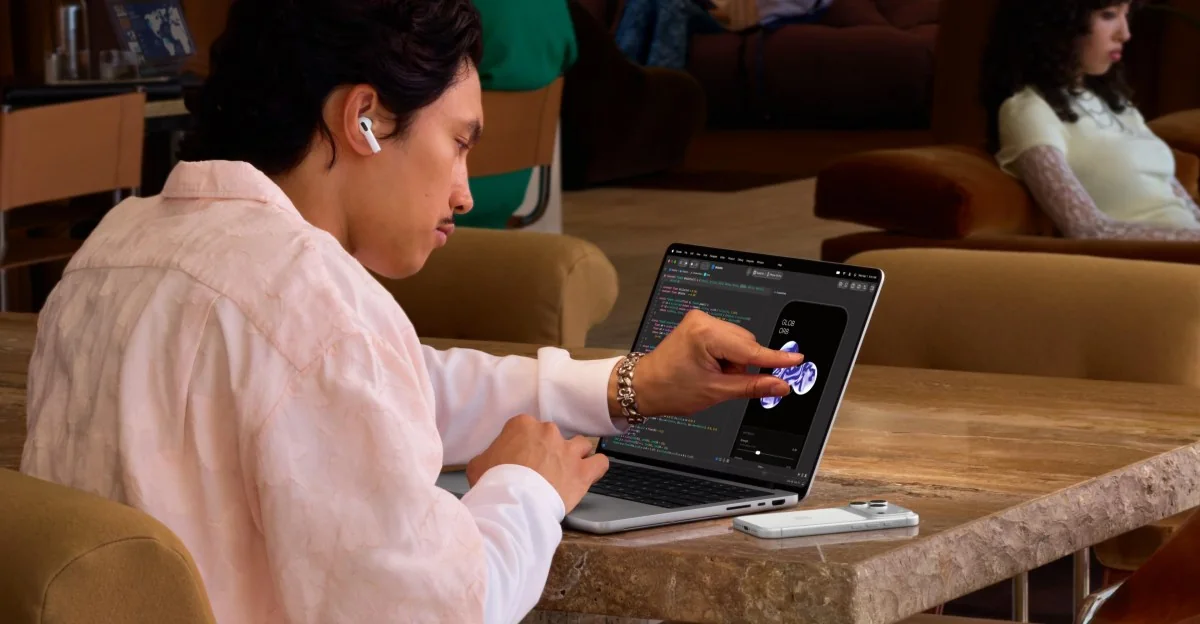
Steve Jobs famously called touchscreen laptops ergonomically terrible, and for over a decade, Apple refused to make one. That changes with the MacBook Pro, the company's first laptop to embrace a touch interface. While it is unlikely that Apple can fix all the ergonomics of reaching out to touch a laptop screen, the company has incorporated targeted updates to make macOS more touch-friendly.
Hands-on with Apple's touchscreen MacBook Pro
Apple is tackling the challenge of touch integration on macOS.
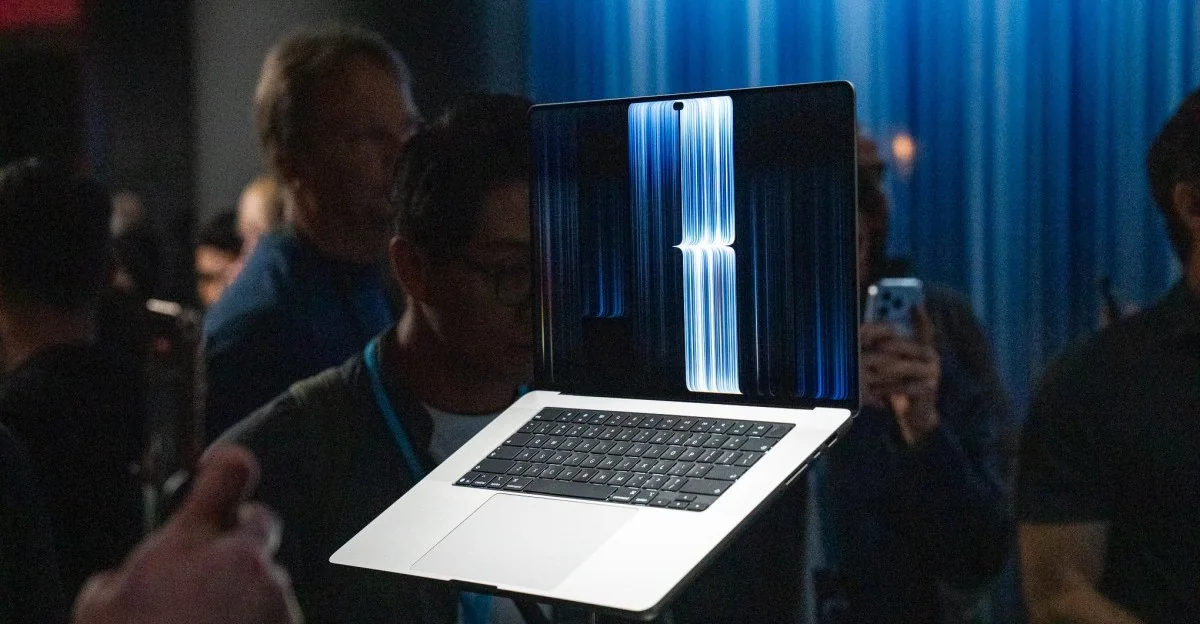
The new 14-inch MacBook Pro with PROLED XDR display weighs 3 pounds, making it noticeably lighter than non-touch equivalents. The difference is even greater on the 16-inch model, which drops to 4 pounds. The hardware feels better balanced when lifted with one hand, featuring a slightly thinner profile and a smaller footprint while maintaining familiar premium build materials.
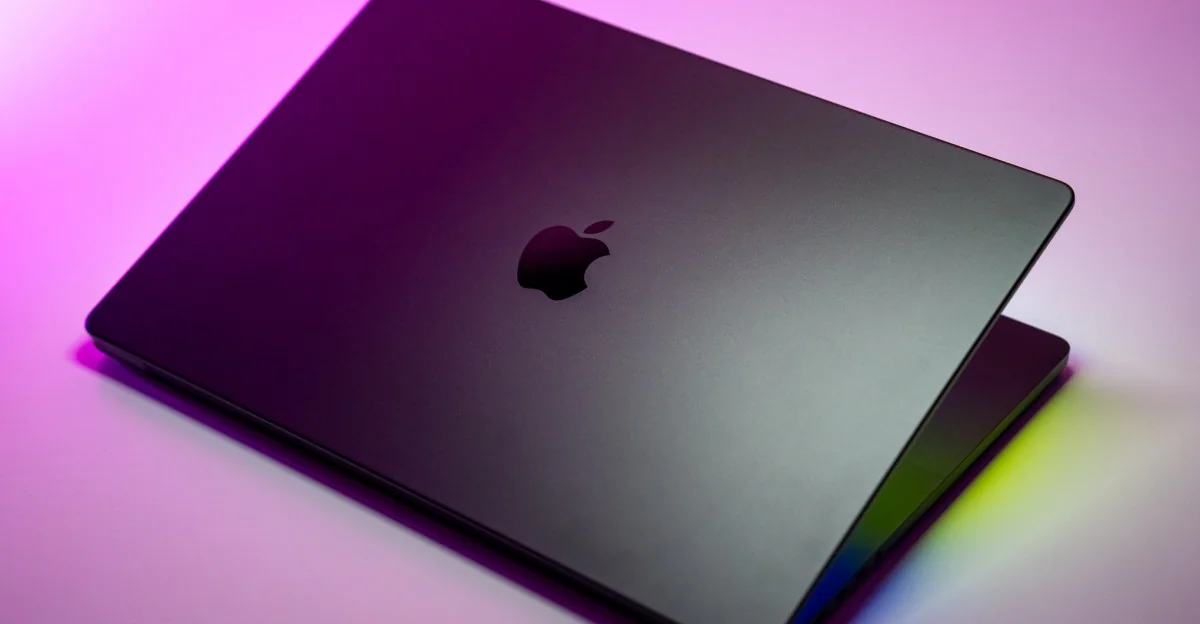
The machine also marks the return of the glowing Apple logo. Its brightness matches the screen and can be dimmed or fully turned off.
Touch Integration and Software
Touch functionality works smoothly with first-party apps, supporting direct swiping, pinch-to-zoom, and double-tapping to maximize windows. While third-party applications rely on macOS translating taps to clicks as a fallback, interacting with tiny interface buttons can still feel fiddly.
To address these limitations, Apple magnifies certain controls when poked, such as window traffic light buttons and drop-down menus. Firm taps toward the top of the display can introduce a slight wobble to the hinges.
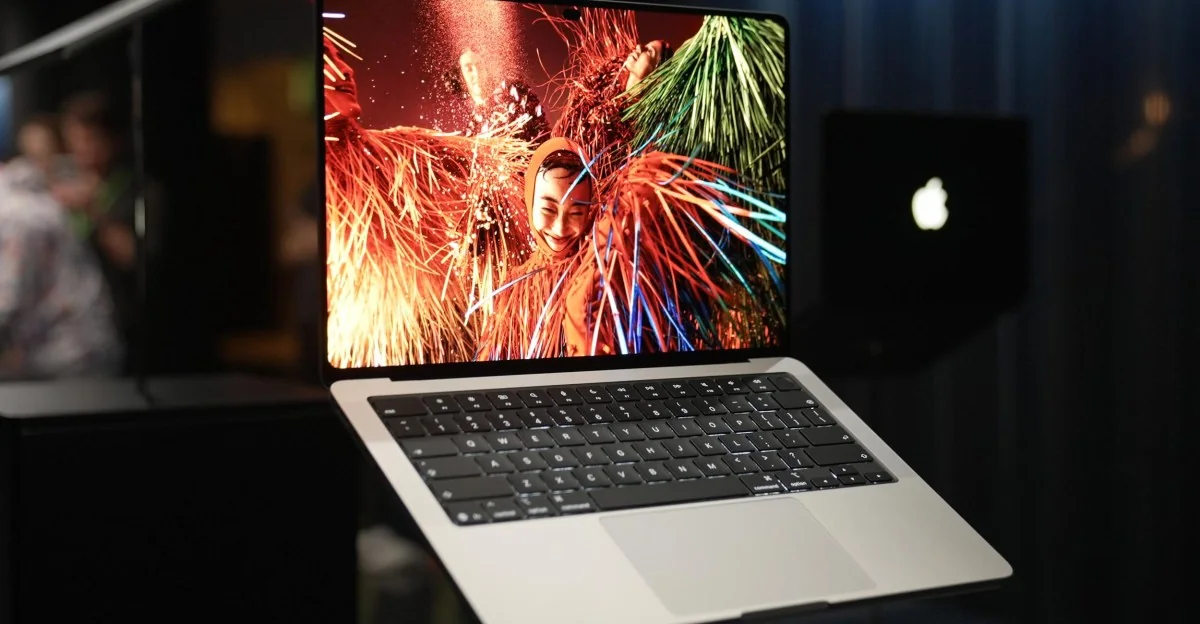
The Dynamic Island replaces the traditional notch, offering a compact space for active elements like media playback controls and volume sliders.
Display and Pricing
The source review notes that the OLED screen is punchy, bright, and contrasty, delivering high visual fidelity.
The touchscreen model commands a price premium, starting at $2,899, which is $400 more than comparable non-touch configurations.