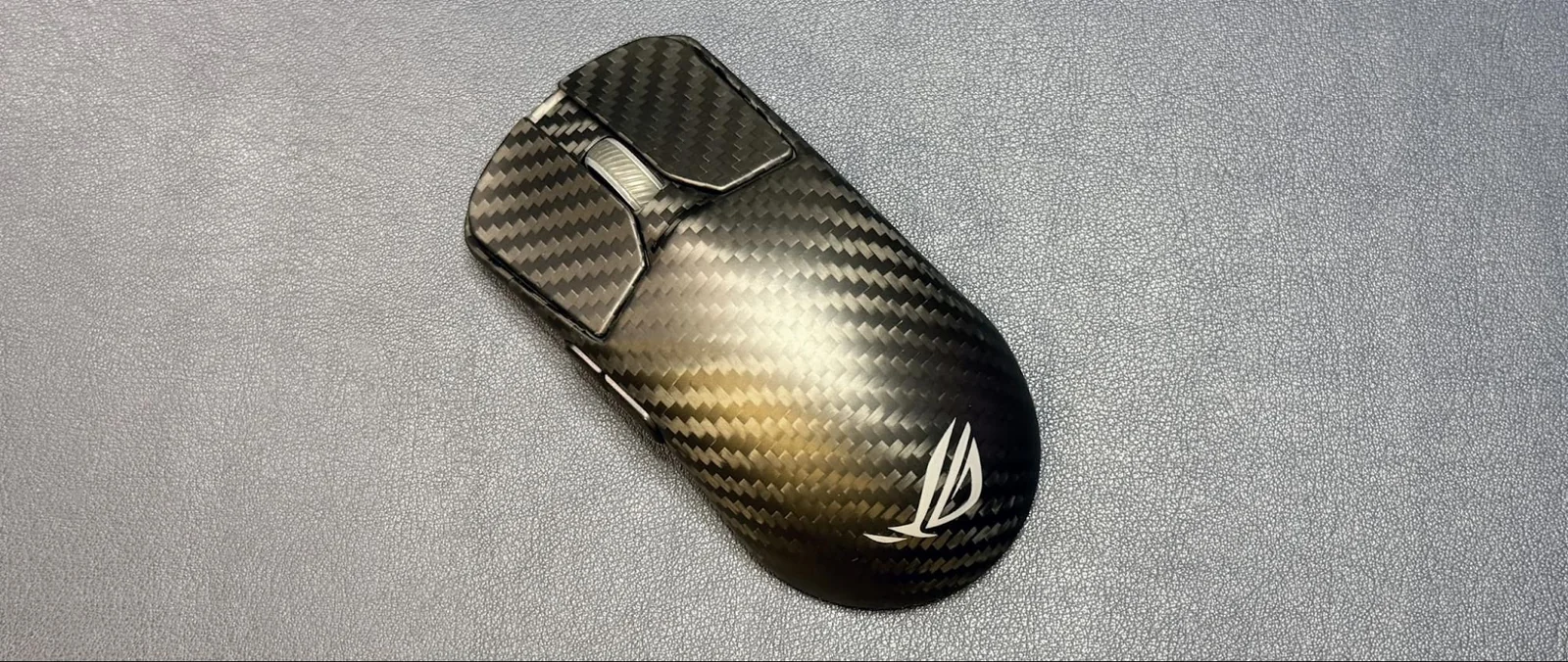
Understanding Mouse Polling Rates
For years, the standard polling rate for gaming peripherals has been 1,000 Hz, which equates to a delay, or latency, of 1 millisecond. This is significantly higher than the standard polling rate for non-gaming peripherals, which is 125 Hz at 8ms latency.
Over recent years, hardware manufacturers have pushed polling rates well beyond 1,000 Hz to achieve fractions of a millisecond in response times.
Today, nearly every ultra-lightweight, esports-oriented gaming mouse features up to an 8,000 Hz polling rate, raising the persistent question of whether such speeds are truly necessary for everyday users.
The short answer is that most users likely do not need it.
The Mechanics of Polling
Polling rate dictates how often a mouse communicates movement and clicks to the CPU. A 1,000 Hz rate means communication occurs 1,000 times per second, yielding 1ms latency. At 125 Hz, the mouse reports every 8 milliseconds. At 8,000 Hz, the mouse communicates once every 0.125 milliseconds.
Polling frequency impacts both cursor movement smoothness and click latency, ensuring inputs translate instantly to the screen.
However, higher polling rates yield diminishing returns. Moving from 125 Hz to 1,000 Hz cuts latency significantly from eight milliseconds to one. Transitioning from 1,000 Hz to 8,000 Hz reduces lag by a similar factor mathematically, but translates to sub-millisecond fractions that are difficult for the average human to perceive.
While elite players might notice subtle differences, most users will not.
Performance and Battery Impacts
Beyond the inability to notice sub-millisecond improvements, ultra-high polling rates introduce notable drawbacks. Increased communication frequency places a heavier load on the CPU, meaning systems without robust processors may suffer performance hits that outweigh minor latency reductions. Furthermore, high polling rates require a monitor with a fast refresh rate, such as 240 Hz or higher, to properly display smoother cursor tracking.
Battery life also takes a severe hit on wireless models. For example, the Corsair Sabre v2 Pro Wireless drops from 120 hours of battery life at 1,000 Hz down to just 21 hours at 8,000 Hz. Similarly, the Razer Basilisk V3 Pro 35K drops from 150 hours to 28 hours, and the Turtle Beach Burst II Pro drops from 150 hours to 40 hours.
While specialized wireless charging mouse pads can help mitigate battery anxiety, achieving 8,000 Hz rates still requires connecting mice directly to dedicated high-frequency dongles rather than built-in receivers.
Esports and Market Adoption
Despite questionable real-world benefits for casual users, ultra-fast polling rates have found a clear home in competitive esports, where lightweight designs and rapid reaction times are paramount.
Flagship esports mice from brands like Razer and Asus routinely incorporate 8,000 Hz capabilities to cater to competitive players seeking every possible hardware advantage.
Buyers do not necessarily need to purchase extreme edition flagships to utilize high polling rates, as several manufacturers offer dongles or dock accessories that upgrade older mice, while newer models include high-polling support natively out of the box.
Wired options and budget-friendly alternatives have also begun adopting high polling rates, lowering the barrier to entry for enthusiasts interested in testing the technology.
Even non-gaming or multi-button mice designed for productivity are starting to feature ultra-high polling modes when paired with optional proprietary wireless docks.
Alternative polling tiers, such as 4,000 Hz, also exist for users looking for a middle ground between battery efficiency and responsiveness.
As for keyboards, the consensus remains that an 8,000 Hz polling rate provides no discernible benefit for typical typing or gaming workloads.